Fold your time into deep focus
A clean, distraction-free Pomodoro-style timer for studying, coding, writing and getting real work done. Focus for 25 minutes, rest for 5, and build momentum every day. No clutter, no complicated setup.
- Free
- Pomodoro-style sessions
- Daily focus goal
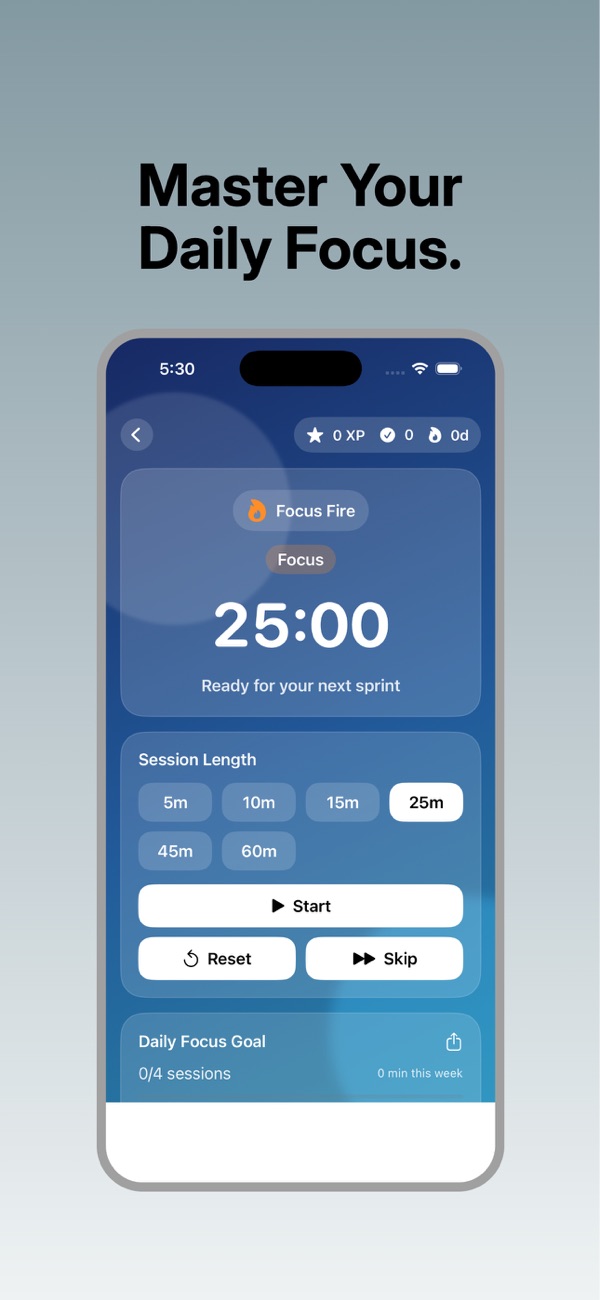
Everything you need to focus, nothing you don't
Clean session timer
A calm, distraction-free countdown that keeps you immersed in your work.
Focus and break cycles
Alternate between focus sessions and short or long breaks, with quick session-length presets.
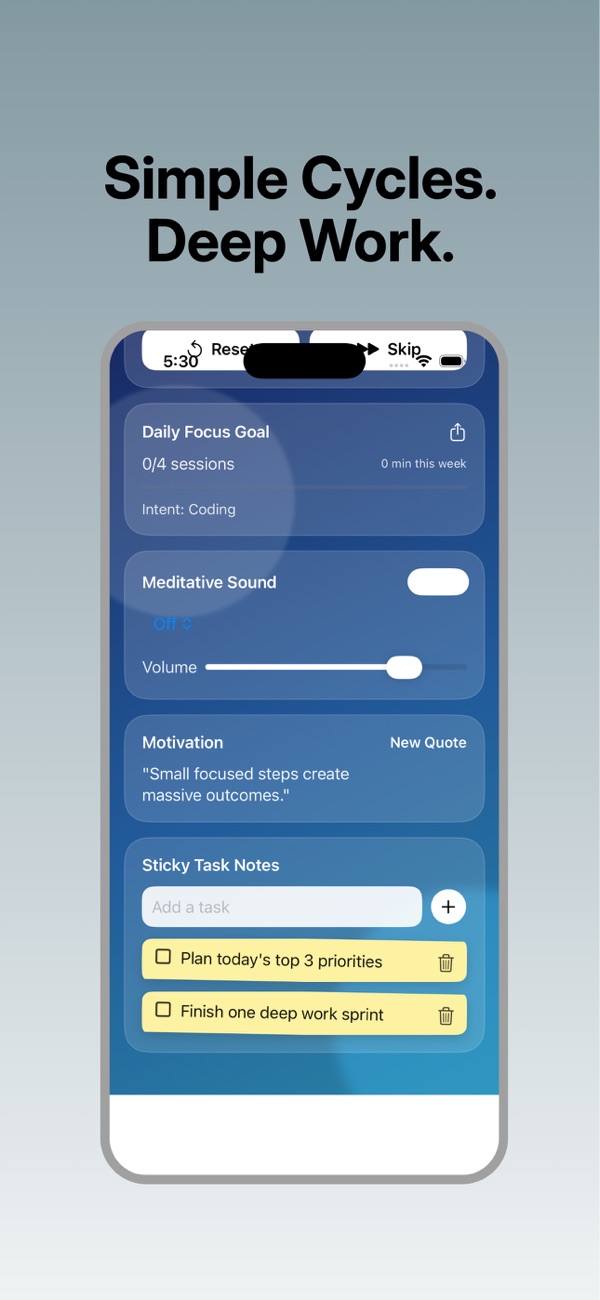
Daily focus goal
Set how much focused time you want each day and watch your progress build.
Ambient sound
Turn on a soft background sound with adjustable volume to help you settle into flow.
Sticky task notes
Jot down today's priorities next to the timer, so you always know what the next session is for.
Gentle alerts
Clear sound and haptic cues tell you when to take a break and when to dive back in.
Calm design for deep work
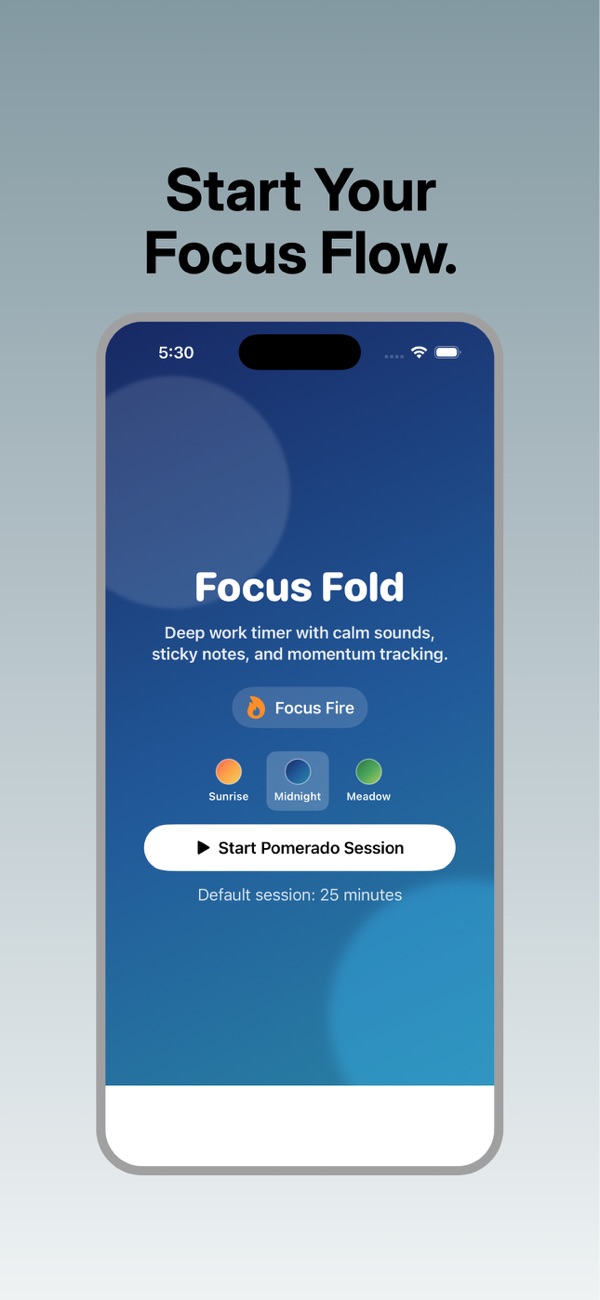
Get into flow in three steps
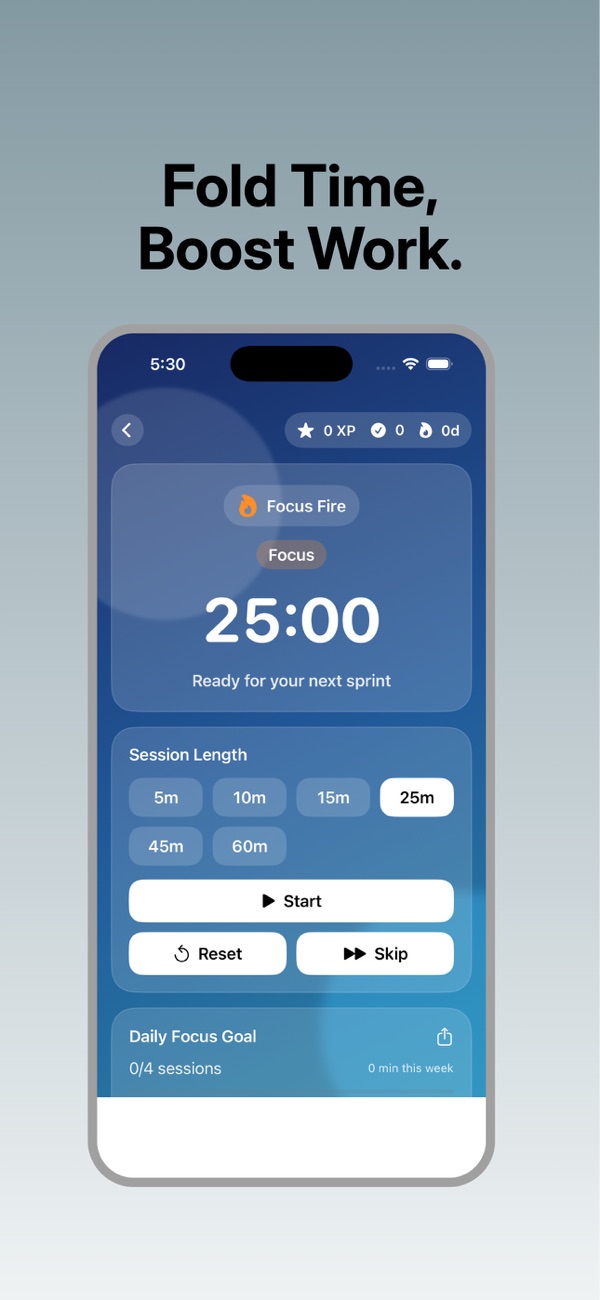
Pick a session
Choose a focus length, or start with the classic 25 minutes.
Focus
Work on one task until the timer ends. No switching, no scrolling.
Take a break
Rest for a few minutes, then start the next session with fresh energy.
Online Pomodoro timer: 25 minutes of focus
Try a focus session right here. Press start, work on one task until the timer ends, then take a 5-minute break. You'll hear a soft chime when time is up.
Keep this tab open while you work. For focus sessions that keep running in your pocket, with daily goals, ambient sound and task notes, use the FocusFold app.
How the Pomodoro Technique works
- Choose one task you want to make progress on.
- Focus for 25 minutes with no email, chat or phone.
- Take a 5-minute break: stand up, stretch or get water.
- Repeat, and after four sessions take a longer 15 to 30 minute break.
Short, fixed sessions make big tasks feel manageable, help you resist distractions and make it easier to start. The regular breaks help you keep going for longer without burning out.
Tips for longer, deeper focus
- Plan before you press start. Write the session's goal on a sticky note so you don't waste minutes deciding.
- Silence notifications and put your phone face down during focus time.
- Adjust the length. 25 minutes is a starting point; many people prefer 45 or 50 minutes for deep work.
- Really rest on breaks. Step away from the screen instead of checking social media.
- Set a daily goal. A target like 2 hours of focused time is easier to hit than a vague "be productive".
Questions people ask
Is FocusFold free?
Yes. FocusFold is free to download.
What is a Pomodoro timer?
A Pomodoro-style timer splits your work into focused sessions, usually 25 minutes, separated by short breaks. It's a popular way to beat procrastination and keep your energy up.
Can I change the session length?
Yes. Choose from quick session-length presets for focus sessions, and use short or long breaks between them.
Is it good for studying?
Yes. FocusFold is popular for studying, exam prep, coding and writing: anything that needs uninterrupted focus.
Does it make a sound when time is up?
Yes. Gentle audio and haptic cues tell you when to take a break and when to start again.
Which devices are supported?
iPhone and iPad running iOS 26.2 or later.
Start your first focus session today
Download FocusFold free and step into your flow.