Scan QR codes, safely
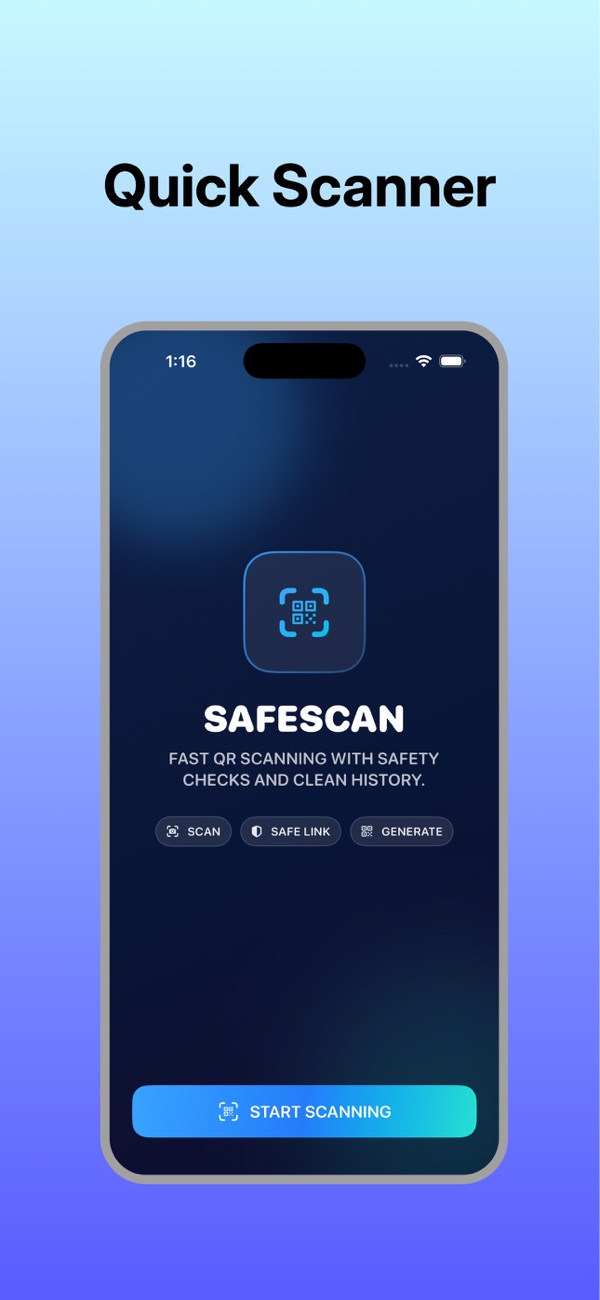
A fast QR code and barcode scanner that checks the link first. See a Trust Score and preview before you open anything, scan codes from screenshots and photos, and create your own QR codes in seconds.
- Free to download
- Link safety check
- Scan from photos
A QR scanner that looks before you leap
Trust Score before you open
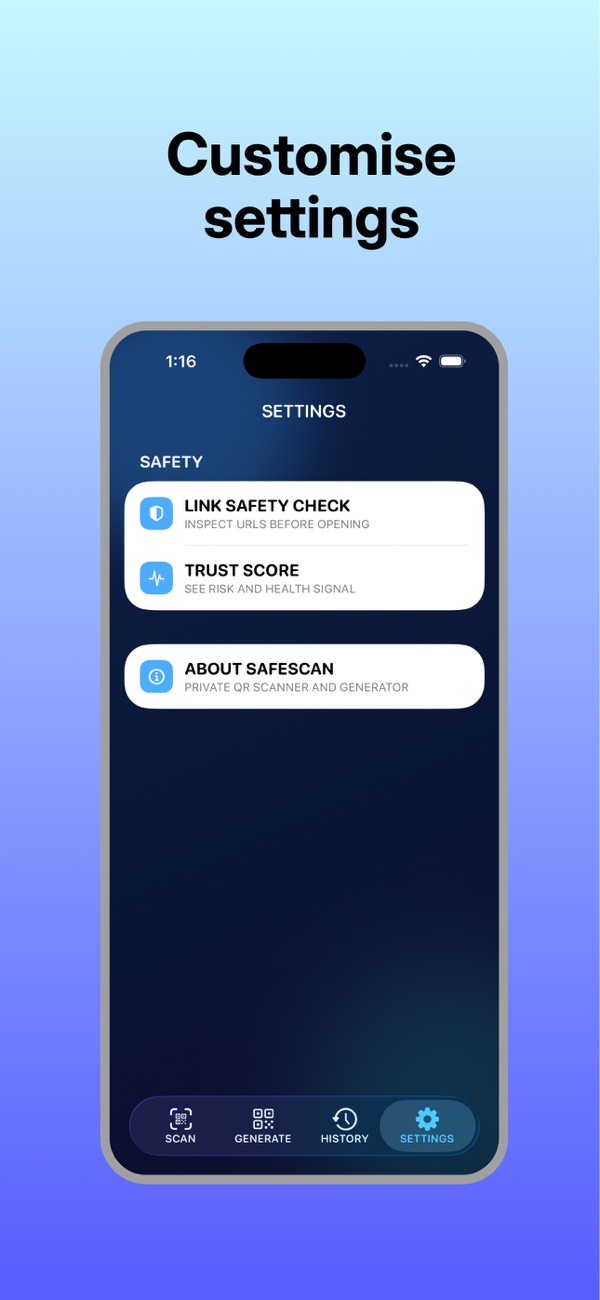
Every scanned link gets a Trust Score and a preview, so you can spot a risky link before it opens. Turn on the optional link health check for extra peace of mind.
Scan from screenshots & photos
Decode QR codes in screenshots, PDFs and saved images, with no camera needed. Perfect for codes sent in a message or email.
QR codes and barcodes
A fast scanner for QR codes and common barcodes, right from the camera.
Create your own QR codes
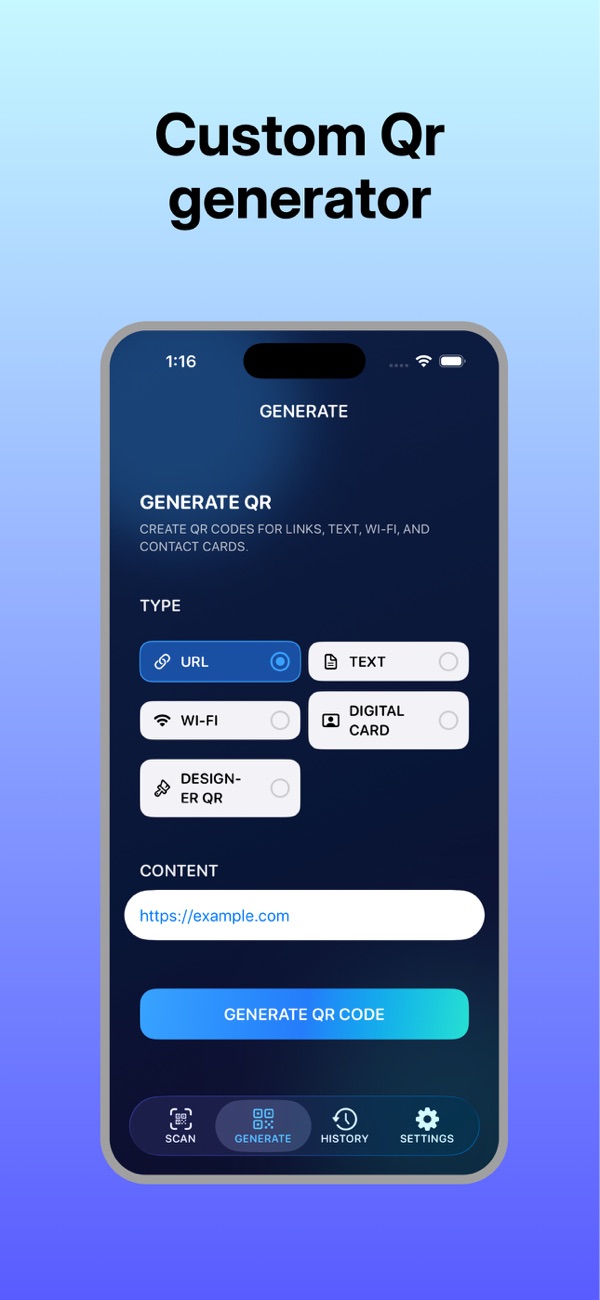
Generate QR codes for links, text, Wi-Fi networks and digital business cards (vCard), including designer-style codes.
Smart history folders
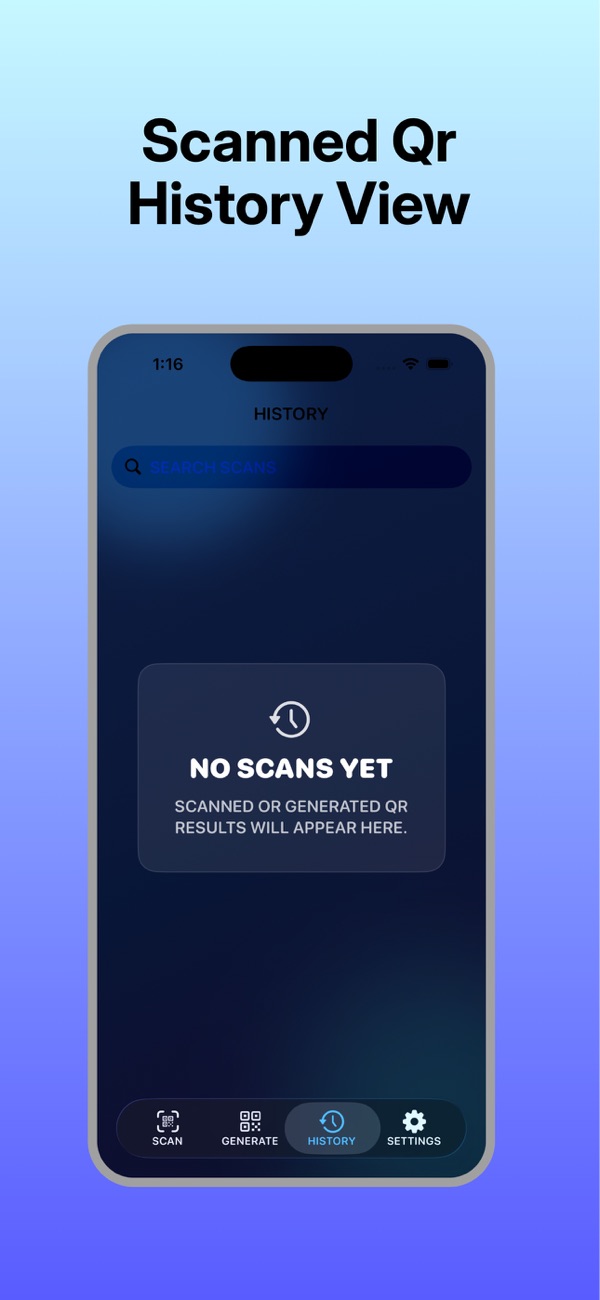
Your scans are sorted automatically into smart folders like menus, Wi-Fi, payments and tickets, so they're easy to find again.
Pro: batch scan & export
SafeSkan Pro adds batch scanning and export, built for events, check-ins and teams.
Clean, fast and private

Scan with confidence in three steps
Scan or pick a photo
Point your camera at a code, or choose a screenshot or image.
Check the Trust Score
See where the link goes and how trustworthy it looks before opening.
Open, save or share
Open safe links, connect to Wi-Fi or save contacts. Everything lands in your history.
How to tell if a QR code is safe
QR codes are everywhere, from restaurant menus to parking meters, and scammers know it. "Quishing" (QR phishing) uses fake codes stuck over real ones, or sent in emails and texts, to send you to look-alike websites that steal passwords or card details. A QR code itself can't harm your phone, but the link inside it can.
- Check the link before opening. Look at the full web address. Misspelled brand names, odd domain endings or long random strings are red flags.
- Look for stickers on top of codes, especially on parking meters, EV chargers and posters.
- Be wary of urgency. Codes in emails or texts saying "pay now" or "verify your account" are a classic scam pattern.
- Never enter passwords or payment details on a page you reached from a QR code unless you're sure it's genuine. Go to the official app or website instead.
- Use a scanner that previews links. SafeSkan shows a Trust Score and link preview before anything opens, so you decide.
How to scan a QR code from a screenshot or photo
Sometimes the QR code is already on your phone, in a screenshot, a PDF ticket or an image someone sent you, and you can't point a camera at your own screen. With SafeSkan, choose Scan from photo, pick the image, and the code is decoded instantly. You still get the Trust Score and link preview before you open it. It's ideal for event tickets, Wi-Fi codes shared in a chat and QR codes in emails.
Make a QR code for Wi-Fi, a link or a business card
A QR code is the easiest way to share something in person. Create a Wi-Fi QR code so guests join your network without typing the password, a link QR code for your website or menu, or a digital business card (vCard) that adds your contact details in one scan. SafeSkan generates all of these, including designer-style codes. On a computer? Try the free online QR code generator from Playful Souls.
Questions people ask
Is SafeSkan free?
Yes. SafeSkan is free to download and includes scanning, the Trust Score and link preview, scanning from photos, QR code creation and history. SafeSkan Pro adds batch scanning and export.
How does the Trust Score work?
Before a scanned link opens, SafeSkan shows a Trust Score and a preview of where it goes, so you can judge whether it looks safe. An optional link health check adds an extra check.
Can I scan a QR code from a screenshot?
Yes. Use Scan from photo to decode QR codes in screenshots, PDFs and saved images. No camera needed.
Does it scan barcodes too?
Yes. SafeSkan scans QR codes and common barcodes.
Can I create a Wi-Fi QR code?
Yes. Create QR codes for Wi-Fi, links, text and digital business cards (vCard), including designer-style codes.
Is my data private?
SafeSkan is built to help you avoid risky links, and processing stays on your device where possible.
Which devices are supported?
iPhone and iPad running iOS 17 or later.
Check every QR code before you open it
Download SafeSkan free and scan with confidence.